
Symptom
When VCI dirver is not installed properly, VCI cannot be recognized on GDS.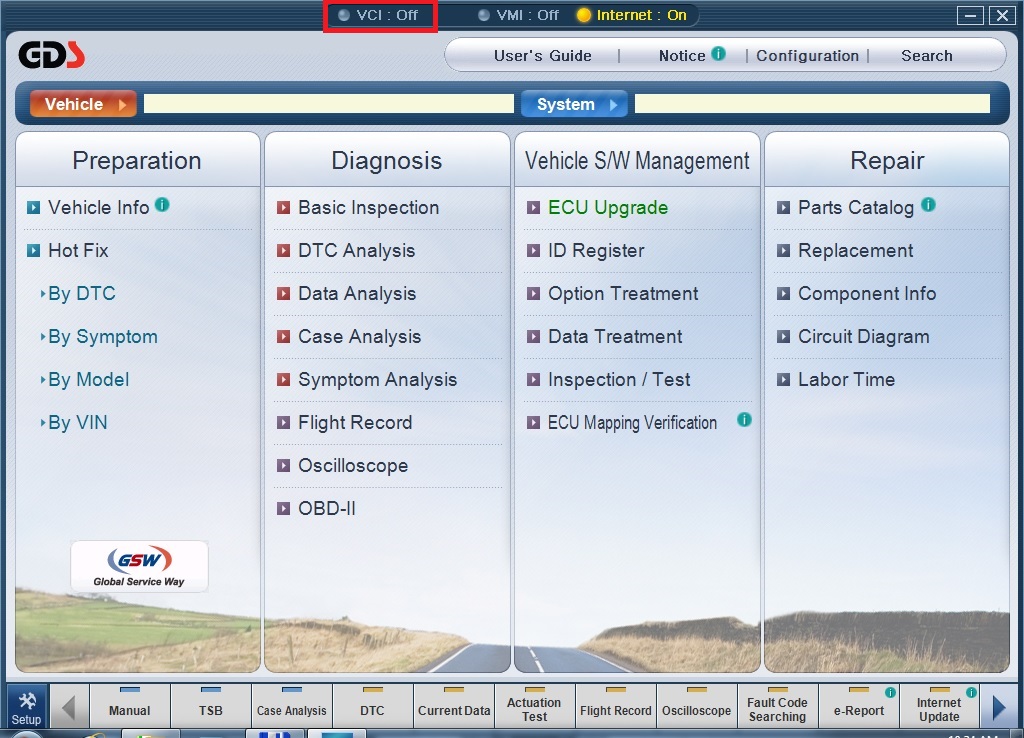
Solution
Please install VCI Driver as follow.
1. Go to [C:\gvci\ocx\GDSVCIUSB] and click right-mouse button on [DrvInstLaunch.exe].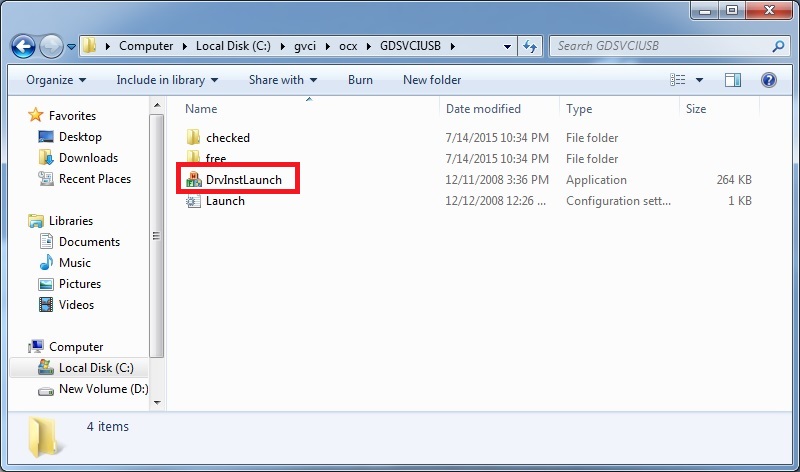
2. Click [Run as administrator].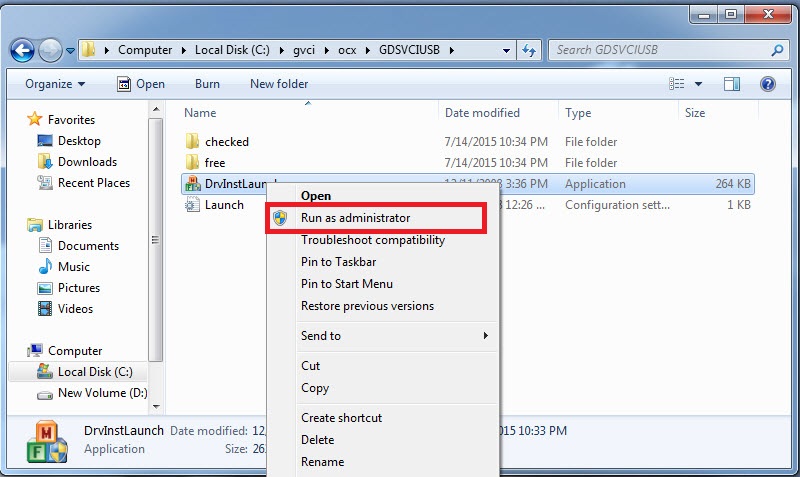
3. Click [Yes] button. 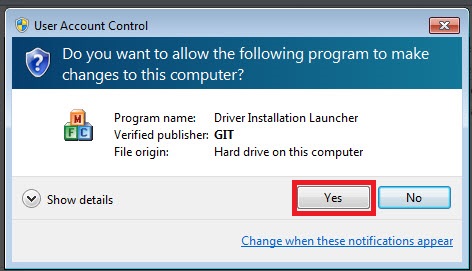
4. VCI driver is being installed. 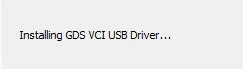
5. After installation is complete, go to [Start] and click right-mouse button on [Computer]. 
6. Click [Manage] menu.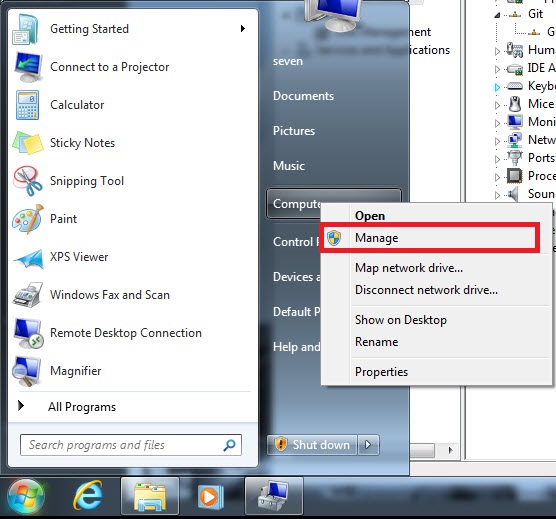
7. Go to [Device Manager] and check if VCI is recognized as Git / GDSVCI.
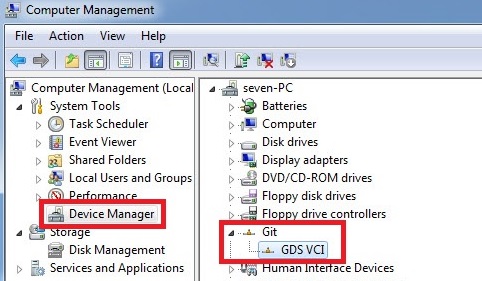
8. Complete.
Comments
0 comments
Article is closed for comments.