
* Make sure!
Depending on each region and maker, the images as below may be different from yours.
Region
All
Symptom
You can check application version of GDS mobile/ KDS on the tablet PC as below.
Before you begin
-
Solution
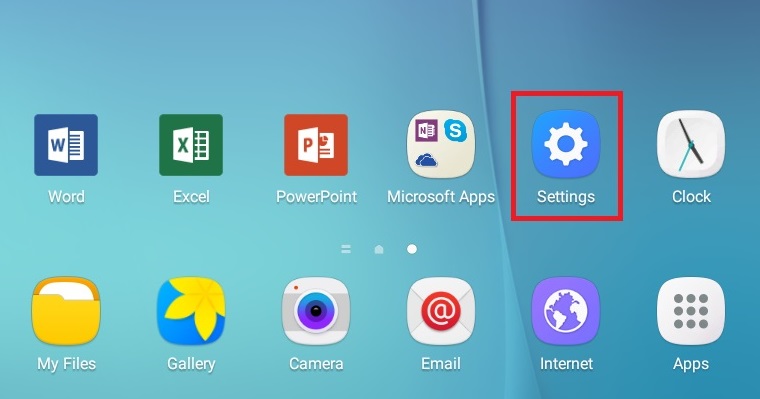
1. Go to [Setting] on the tablet PC.
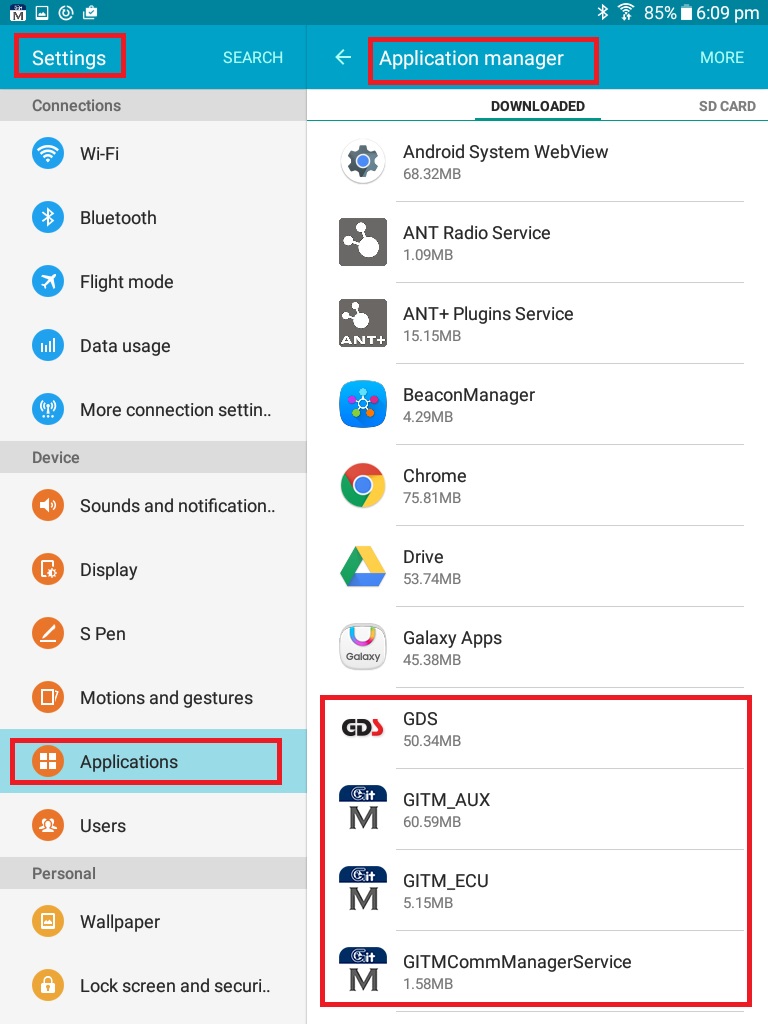
2. Go to [Setting-Application-Application manager]. You can find applications related to KDS.
Tab the application that you want to check the version.
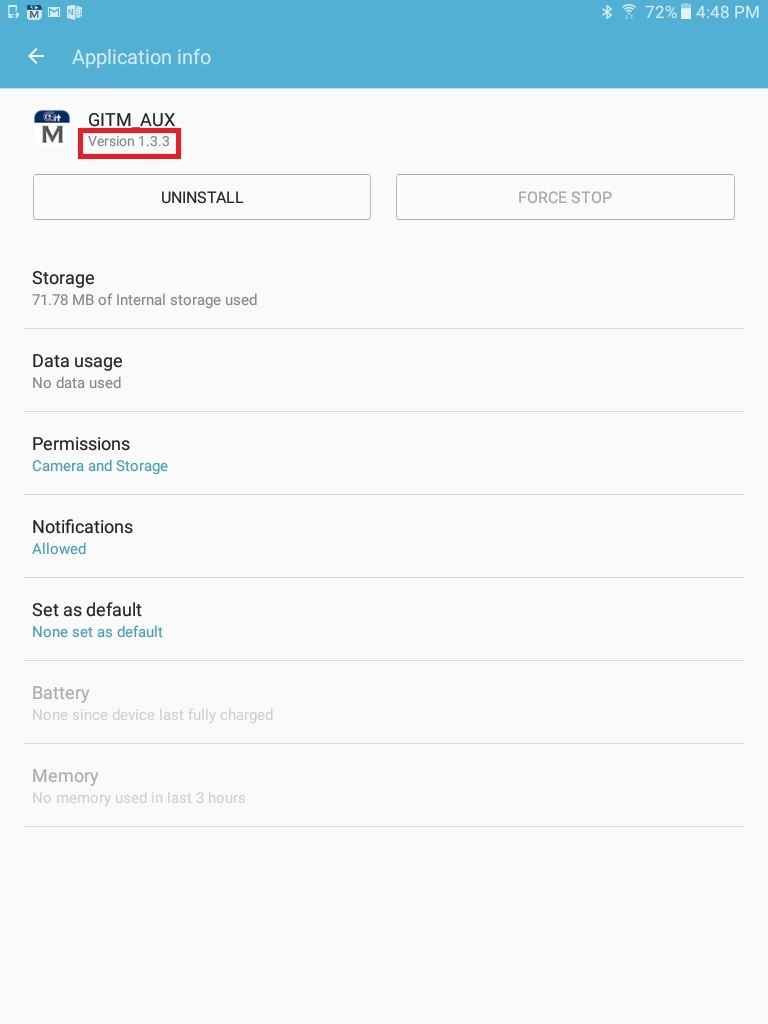
3. Check the version of the application below.
Comments
0 comments
Article is closed for comments.