
Symptom
VCI is not recognized on WINDOWS 8.1/10(64bit). 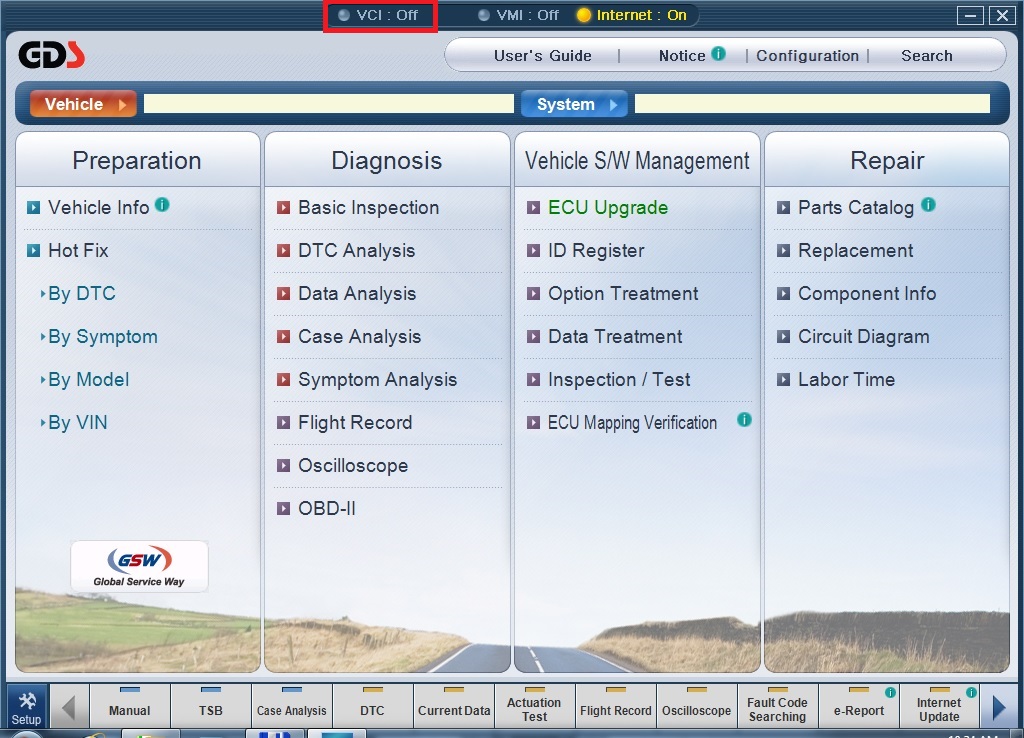
Solution
VCI USB driver for WINDOWS 8.1/10(64bit) should be installed.
Please follow the instruction below.
1. Download VCI.zip on desktop. (You can download to another location if you want, just remember where you downloaded it.)
VCI.zip 
2. Extract the file. 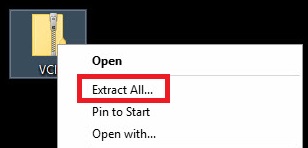
3. Go to the [VCI\64] folder and right-click on DrvInst.exe as shown below. 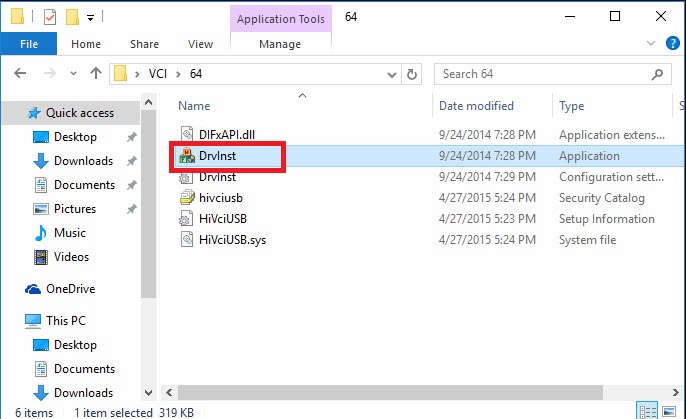
4. Click [Run as administrator]. 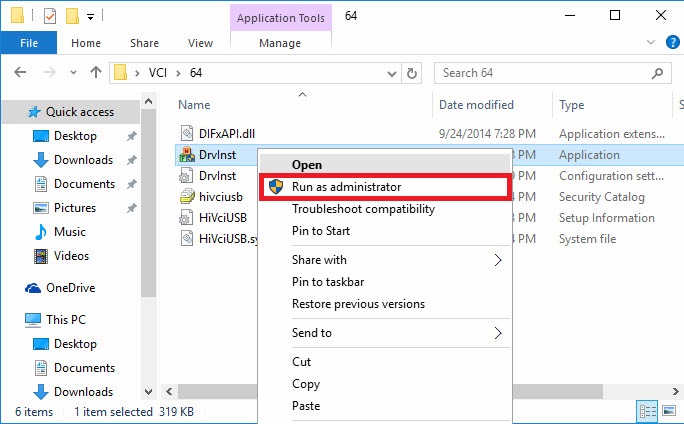
5. Click the [Yes] button to install. 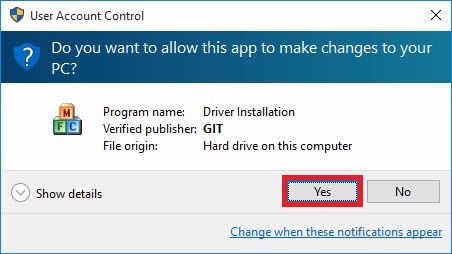
6. VCI driver is being installed. 
7. Complete.
Comments
0 comments
Article is closed for comments.