This article is available in the following languages. Use the {globe} button in the upper-right corner to change your language setting.Caution: Features and descriptions vary by region or destination market (diagnostic tool version code).
키 코딩 F3 오류 FAQ
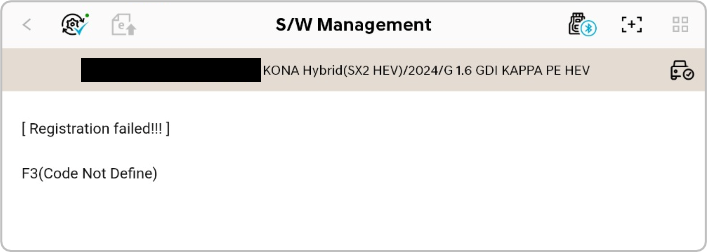
Q1. Why is the F3 error code displayed when attempting key coding
or
registration?
A. The F3 error code is displayed when vehicle security authentication fails.
Q2. How do I resolve the F3 error?
A. Please follow these steps, then retry key coding:
Make sure your tablet is online (Wi-Fi, LTE, or 5G).
Sign out of the diagnostic app.
Follow the on-screen guide in the image below to delete the
hidden
files.
Close and reopen the diagnostic app.
Sign back in to the app.
Try the feature again.
※After getting at 📁[XML], please access 📁[HY](Hyundai, Genesis), or 📁[KM](KIA) accordingly.

Comments
0 comments
Article is closed for comments.